Design Mode
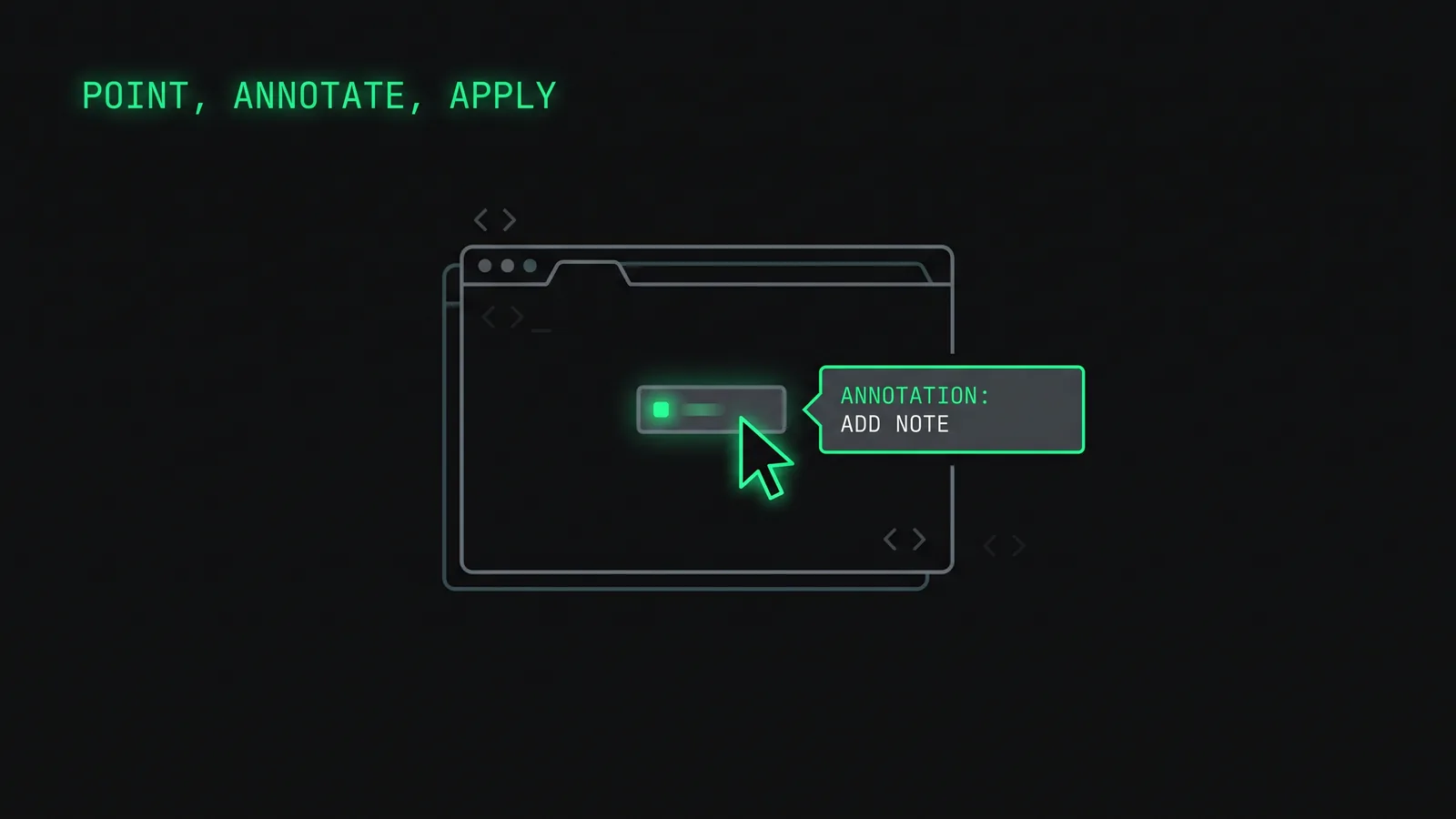
A visual overlay for the browser: annotate a live UI, describe the change in place, and Claude applies it back to your source code, killing the screenshot-and-paste loop of frontend debugging.
The screenshot-and-paste loop #
This came straight out of my own frontend pain. Iterating on a UI with an agent meant screenshotting the browser, pasting it in, and typing out which element I meant and what was wrong, every single round. Slow, and it broke my focus each time.
Point at the thing on the screen. Describe the change there. Watch it land in the right source file.
Point, annotate, apply #
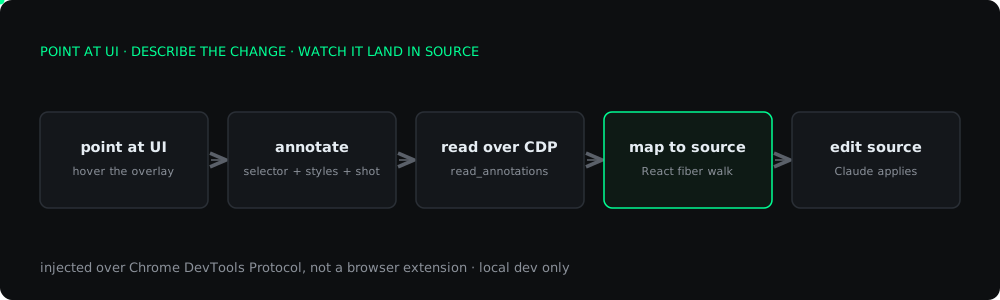
Design Mode injects an overlay into your running page. You hover to see the box model, click an element, and type the change right on it (a gold pin marks it). When you say 'apply my annotations', Claude reads them back, figures out which source file each one belongs to, and edits it directly. No screenshots, no coordinates, no re-explaining context.
The hard part: which file rendered this button? #
Mapping a rendered DOM node back to the line of source that produced it is the whole trick, and I do it without source maps. In React dev mode, every DOM node carries a hidden fiber reference; Design Mode walks the fiber.return chain up to the nearest named component and reads its debug source (file and line). Vue and Svelte expose their own equivalents (__vueParentComponent, __svelte_meta), and there is a data-source="file:line" escape hatch plus a grep-based fallback for plain HTML.
Injected over CDP, not a browser extension #
The overlay is a single self-contained script evaluated into the page over the Chrome DevTools Protocol, not a browser extension. That means zero install, no manifest, no store review, and it works on whatever page you are already looking at. The honest trade-off is that it is a local dev tool: it cannot touch deployed sites. Getting it to attach through the chrome://inspect flow needed a hand-rolled minimal CDP client using flattened target sessions, because the usual endpoints are not exposed there.
Nine MCP tools #
The MCP server exposes the surface Claude drives: activate, readannotations (which also captures a cropped screenshot per annotated element), readelement, applystyle, screenshot, resizeviewport, and a guarded eval_js. It ships as a Claude Code plugin and a standalone npx design-mode-mcp. It was a one-week build, and the DOM-to-source mapping is the part that took the most of that week.